Gutenslider Pro
Make every slider your own.
Match your theme, or each client’s brand. Pro adds 29 effects and more ways to style the navigation: animated dots, numbers or a progress bar, arrows that follow the pointer, vertical sliders, scroll parallax, a lightbox zoom and more video sources. For one site, or every client site.
50% off Pro until Tuesday, November 3.
Code GUTENSLIDER7 is applied when you click a buy button. Every plan, on the first payment.
Pro from $2.99 $1.50 a month
Free
Any number of sites
$0
No account, no license key.
- Slide, fade and flip, autoplay, loop
- Any blocks on a slide
- 11 arrow styles, dots, dividers
Pro
1 site
$29$14.50/ year
$2.99$1.50/ month
The first year; then $29 a year The first month; then $2.99 a month
Buy yearly, Pro for 1 site Buy monthly, Pro for 1 site
Try free for 7 days, Pro for 1 site, no card needed
Your own site.
Pro
3 sites
$49$24.50/ year
$4.99$2.50/ month
The first year; then $49 a year The first month; then $4.99 a month
Buy yearly, Pro for 3 sites Buy monthly, Pro for 3 sites
Try free for 7 days, Pro for 3 sites, no card needed
A few sites, or a couple of clients.
Pro
Unlimited sites
$79$39.50/ year
$7.99$4/ month
The first year; then $79 a year The first month; then $7.99 a month
Buy yearly, Pro for unlimited sites Buy monthly, Pro for unlimited sites
Try free for 7 days, Pro for unlimited sites, no card needed
Every client site, one license.
Pay once
Lifetime, unlimited sites: $199 $99.50 once. Every Pro feature, update and support, with no renewal.
- 10,000+ active installs
- 30-day money-back guarantee
- Cancel any time
Prices in US dollars; VAT is added at checkout where it applies. Checkout and licenses are handled by Freemius. Monthly and yearly licenses renew automatically and can be cancelled any time. When a license ends, your sliders keep working; only Pro updates, the Pro controls in the editor and support stop. If Pro doesn’t work as described and we can’t fix it, you get your money back within 30 days of paying.
What Pro adds
Every slider here is live: hover, click and scroll them.

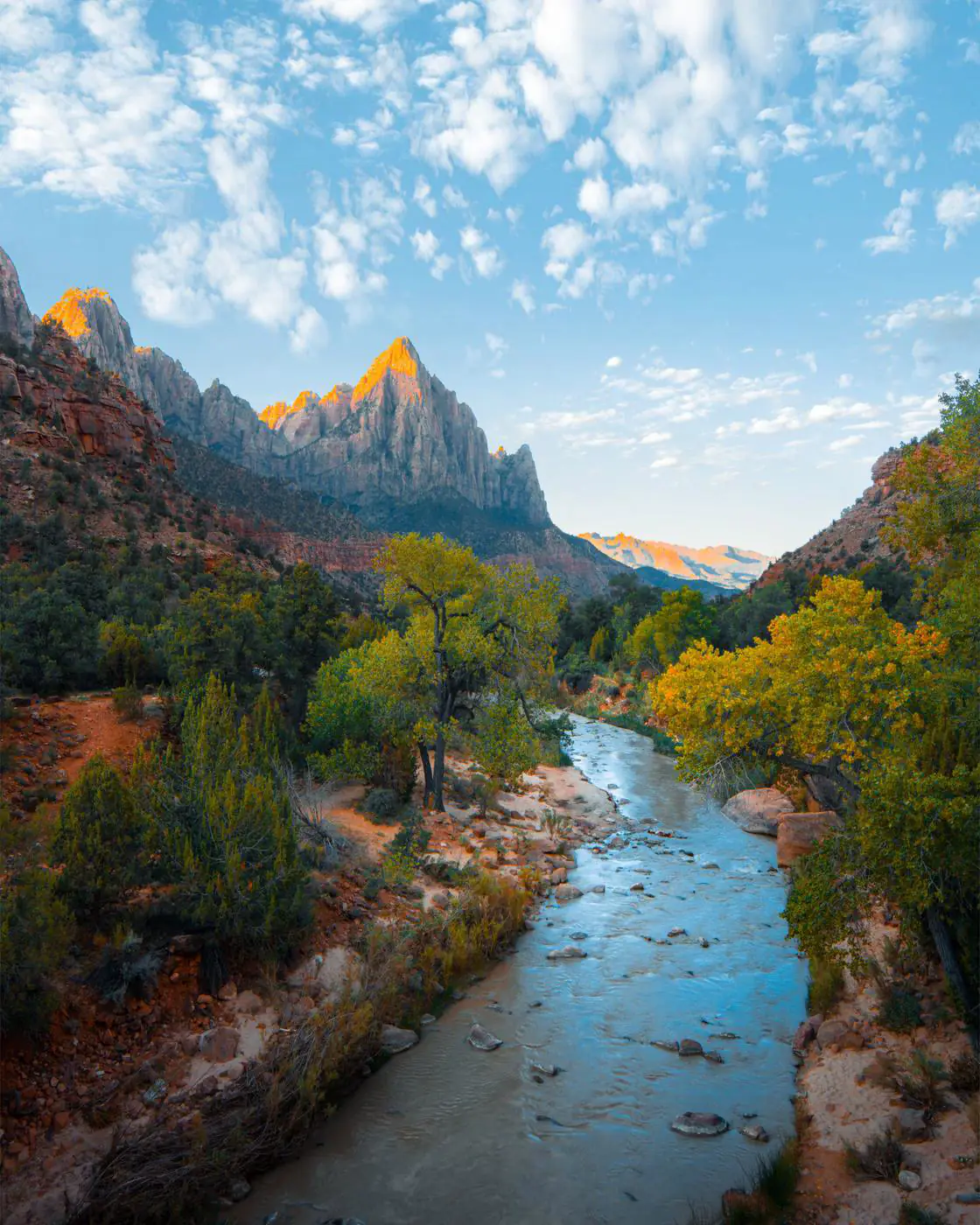


Twenty WebGL transitions
Liquid, ripple, swirl, fluted glass and sixteen more, drawn on the graphics card over a crossfade. Without WebGL, or with reduced motion, they become a plain crossfade.
- Liquid
- Ripple
- Swirl
- Fluted glass
- Glitch
- Kaleidoscope






Six shaped effects
Morph, parallax, tilt, fan, stack and reveal: slides change shape as they move.








Navigation in your style
On top of the free colors, arrow styles and positions: lines that fill with the time per slide, a pill that slides along, numbers, a progress bar, dots in the corners.
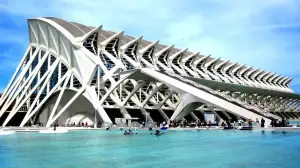
Arrows that follow the pointer
Move over the slider with a mouse: the arrow follows, a click turns the slide back or on.



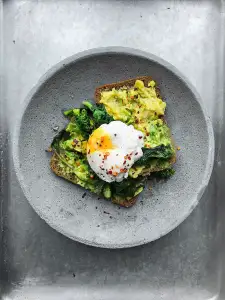
Lightbox zoom
Click a photo: the full view fills the window, a second click zooms in where you click.
More video sources
Paste a link and every video becomes a slide, with its own player. Saved videos keep playing without a license.
- YouTube channels
- Playlists up to 100 videos
- Shorts from any link
- Vimeo
- Dailymotion
- TikTok
Priority support
Questions go to the developer by email, first in line. Updates come for as long as the license runs, and what you built keeps rendering after it ends.
Free vs Pro
Everything in the free plugin stays free. What you build with Pro keeps rendering as built when a license ends, the 3D, shaped and WebGL effects included; changing the Pro settings in the editor needs an active license.
| Feature | Free | Pro |
|---|---|---|
| Slides | ||
| Slider and carousel: up to eight slides per view per device, slides per step, auto width | ✓ | ✓ |
| Image backgrounds with focal point and size | ✓ | ✓ |
| Color and gradient backgrounds | ✓ | ✓ |
| Color or gradient overlays with opacity on images and videos | ✓ | ✓ |
| Any blocks on a slide: headings, buttons, columns, embeds | ✓ | ✓ |
| Content per slide, or the same content over all slides | ✓ | ✓ |
| Links on whole slides | ✓ | ✓ |
| Automatic captions from the Media Library | ✓ | ✓ |
| Video | ||
| Video slides from the Media Library: loop, muted, pause when inactive, poster, focal point | ✓ | ✓ |
| Video slides from links: YouTube videos and playlists, and links to video files (.mp4, .webm, .mov, .ogv); thumbnails saved as posters | ✓ | ✓ |
| Per link: how many videos (a playlist’s newest 15), as listed or reversed, with or without YouTube Shorts (they play upright, 9:16) | ✓ | ✓ |
| Play videos when their slide shows (per slider, and per slide); one sound for all videos of a slider | ✓ | ✓ |
| A player loads only when its slide shows or play is clicked: YouTube from youtube-nocookie.com, Vimeo with “do not track” | ✓ | ✓ |
| On phones, arrows and dots fade while a video plays, clear of the player’s controls | ✓ | ✓ |
| More video links: YouTube channels (@handle), Vimeo (videos, users, channels, showcases), Dailymotion (videos, users, playlists), TikTok videos | – | ✓ |
| YouTube playlists up to 100 videos (free: the newest 15), and Shorts recognized from any link | – | ✓ |
| Effects | ||
| Slide, Fade and Flip | ✓ | ✓ |
| Transition time and time per slide | ✓ | ✓ |
| Loop, center the active slide, autoplay, pause on hover, random order | ✓ | ✓ |
| 3D effects: Coverflow, Cards, Cube | – | ✓ |
| Six shaped effects: Morph, Parallax, Tilt, Fan, Stack, Reveal | – | ✓ |
| Twenty WebGL transitions: Liquid, Ripple, Swirl, Glitch and more | – | ✓ |
| Vertical sliders: the slides move up and down | – | ✓ |
| Parallax backgrounds on scroll (direction, amount) | – | ✓ |
| Layout | ||
| Minimum height per device, grow with content, full screen height | ✓ | ✓ |
| Space between slides | ✓ | ✓ |
| Content position for all slides at once, hide a slide | ✓ | ✓ |
| Content width: in a full-width slider the blocks line up with the theme’s wide or content width, the background stays full width | ✓ | ✓ |
| Show or hide the slider per device | ✓ | ✓ |
| Content blend mode and opacity | ✓ | ✓ |
| Navigation | ||
| Arrows on or off per device, 11 arrow styles, size and colors | ✓ | ✓ |
| Dots on or off per device, size and color | ✓ | ✓ |
| Keyboard navigation and links to a single slide (hash navigation) | ✓ | ✓ |
| Arrow positions (sides, next to the blocks, top, bottom, corners), offsets per device, spacing, blend mode | ✓ | ✓ |
| Dot positions (bottom, top, left, right) and offset | ✓ | ✓ |
| Arrows that follow the pointer | – | ✓ |
| Pagination as a few dots at a time, numbers or a progress bar | – | ✓ |
| Animated dots: a pill that slides along, or lines that fill with the autoplay time | – | ✓ |
| Dots in the corners | – | ✓ |
| Dividers | ||
| Shape dividers at the top and bottom: 15 shapes, color, flip | ✓ | ✓ |
| Divider height and invert | ✓ | ✓ |
| Lightbox | ||
| Lightbox that grows out of the clicked image: arrows, keyboard, swipe, counter, light or dark look | ✓ | ✓ |
| Lightbox options: thumbnails, captions from the image title, caption, description or alt text, fade opening, own colors | ✓ | ✓ |
| Lightbox zoom: a full view where the photo fills the window, then zooms in where you click | – | ✓ |
| Editor | ||
| The editor shows the slider as the page does; arrows and dots page through the slides | ✓ | ✓ |
| Preview button: the real slider, with its effect and autoplay, inside the editor | ✓ | ✓ |
| Device switch in step with the editor’s preview device | ✓ | ✓ |
| Transforms from Gallery, Image and Cover blocks, and back to a Gallery | ✓ | ✓ |
| Sliders saved with 5.x and 6.x open unchanged | ✓ | ✓ |
| Support | ||
| Community support on wordpress.org | ✓ | ✓ |
| Priority email support | – | ✓ |
Free Pro
Free for education and nonprofits
Schools, universities, teachers, students and nonprofits that work for democracy and human rights get Pro for free.
Customers
Your account
Download Pro, add or move sites, renew your license and get invoices in your Freemius account.
Questions about licenses: the FAQ or the contact details.