Examples
One slider per use case.
Each example is a live Gutenslider with the settings that make it. Free and Pro features are marked. How the effects move from slide to slide is in the slider animation guide.
Free
Hero with fixed content
A headline and a button stay in place while four photos fade underneath. With “full screen height” on, the same slider fills the whole screen. The arrows are hidden on phones, where visitors swipe. Read the tutorial.
Settings content: same on all slides effect: fade height: 70vh · 60vh · 480px align: full arrows: off on phones




Free
Content width
The photos run the full width of the screen, but the text on them starts where the text of this page starts, in line with the logo at the top. “Content width” sets where a full-width slider’s blocks go: Full uses the whole width, Wide and Content follow your theme’s wide and content width. It works for content per slide and for the same content on all slides.
Settings content width: wide content position: left content: per slide align: full block spacing, horizontal: 0 arrows: off on tablets and phones



Free
Image carousel with lightbox
Three photos per view on desktop, two on tablets, one on phones, with a gap between them. A click on a photo makes it grow out of its place into the lightbox, with a counter, swipe and the arrow keys. The caption text and the thumbnails in this demo are Pro options; so are zoom, a fade opening and your own colors. Hash navigation is on: the address bar shows which slide is active, and the link opens the slider there. Read the tutorial.
Settings slides per view: 3 · 2 · 1 space between: 16 · 12 · 10 lightbox: on lightbox text: caption (Pro) thumbnails (Pro) autoplay: off hash navigation: on







Free
Testimonial slider
Text-only slides on color and gradient backgrounds, one quote each, with a fade. Sample content: the people and quotes below are invented to show the layout.
Settings content: per slide backgrounds: color, gradient effect: fade dots: bullets
Free
Content slider: text next to an image
Each slide holds a Columns block with an image and text, on a soft color. On phones the columns stack. Any block works on a slide: embeds from YouTube or Spotify, a product, a form.
Settings content: per slide backgrounds: color blocks: columns, image, heading, buttons grow with content: phones
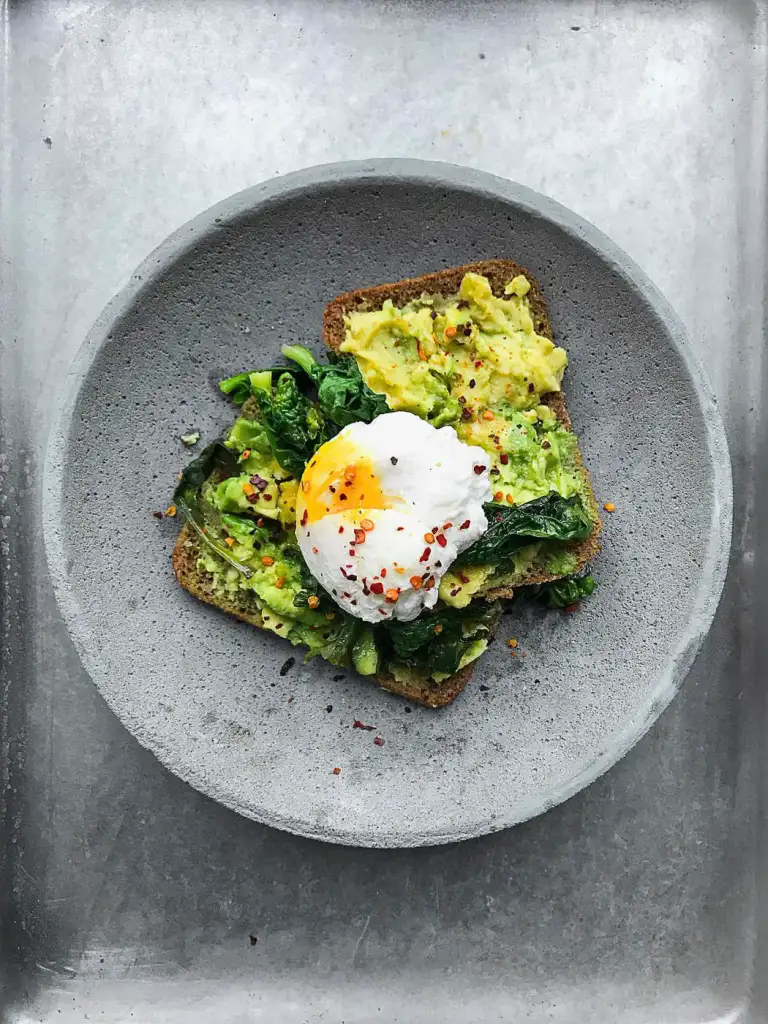
Breakfast, all day
Avocado toast, pancakes and eggs any way, until four in the afternoon.

Salads by weight
Pick a base, three toppings and a dressing. We weigh it at the till.

Pizza on Fridays
Sourdough, a wood oven and one new topping every week.
Free
Video slider
Two short clips from the Media Library as slide backgrounds: muted, looping, playing inline, paused when their slide is not active. The poster image shows until the video can play. Read the tutorial.
Settings backgrounds: video + poster loop, muted, pause when inactive content: same on all slides effect: slide
Free
YouTube playlist
Paste video or playlist links with “Add videos from links” in the slider toolbar, and Gutenslider saves the thumbnails as posters. Only the video in the middle loads the player, from youtube-nocookie.com, and plays muted; it pauses when you move on.
Settings YouTube · playlist 3 per view centered loop








Free Pro
Video from any link
One “Add videos from links” with a YouTube playlist (its first 3 videos) and two Vimeo links. A video plays when its slide shows; unmute one and the others follow. Each player loads only for its slide. On phones the arrows and dots fade while a video plays, clear of the player’s controls.
Settings YouTube · playlist, 3 videos Vimeo (Pro) play when the slide shows shared sound 2 per view · 1 on phones




Free
Auto-width carousel
With slides per view set to “auto”, every slide keeps its own width: portrait photos stay narrow, landscapes wide. Nice for a slow banner of photos. Click a photo to open it in the lightbox.
Settings slides per view: auto loop: on lightbox: on space between: 12 height: 320px · 260px








Pro
Slide transition effects: slide, fade and 3D
The effect decides how one slide replaces the next. Slide and fade are in the free plugin; the 3D effects flip, cube, cards and coverflow come with Pro. Every slider here autoplays every three seconds. Read the tutorial.
Settings effect: slide · fade · flip · cube · cards · coverflow
Slide Free



Fade Free



Flip Pro
Cube Pro
Cards Pro
Coverflow Pro
Pro
Shaped and WebGL effects
Pro has six shaped effects, where slides change shape as they move, and twenty WebGL transitions drawn on the graphics card over a crossfade. Here are all of them. Without WebGL, or with “reduce motion” turned on, the WebGL transitions become a plain crossfade.
Settings shaped: 1.5 slides in view, centered, loop WebGL: one slide at a time
Shaped
Morph Pro
Parallax Pro
Tilt Pro
Fan Pro
Stack Pro
Reveal Pro
WebGL transitions
Liquid Pro
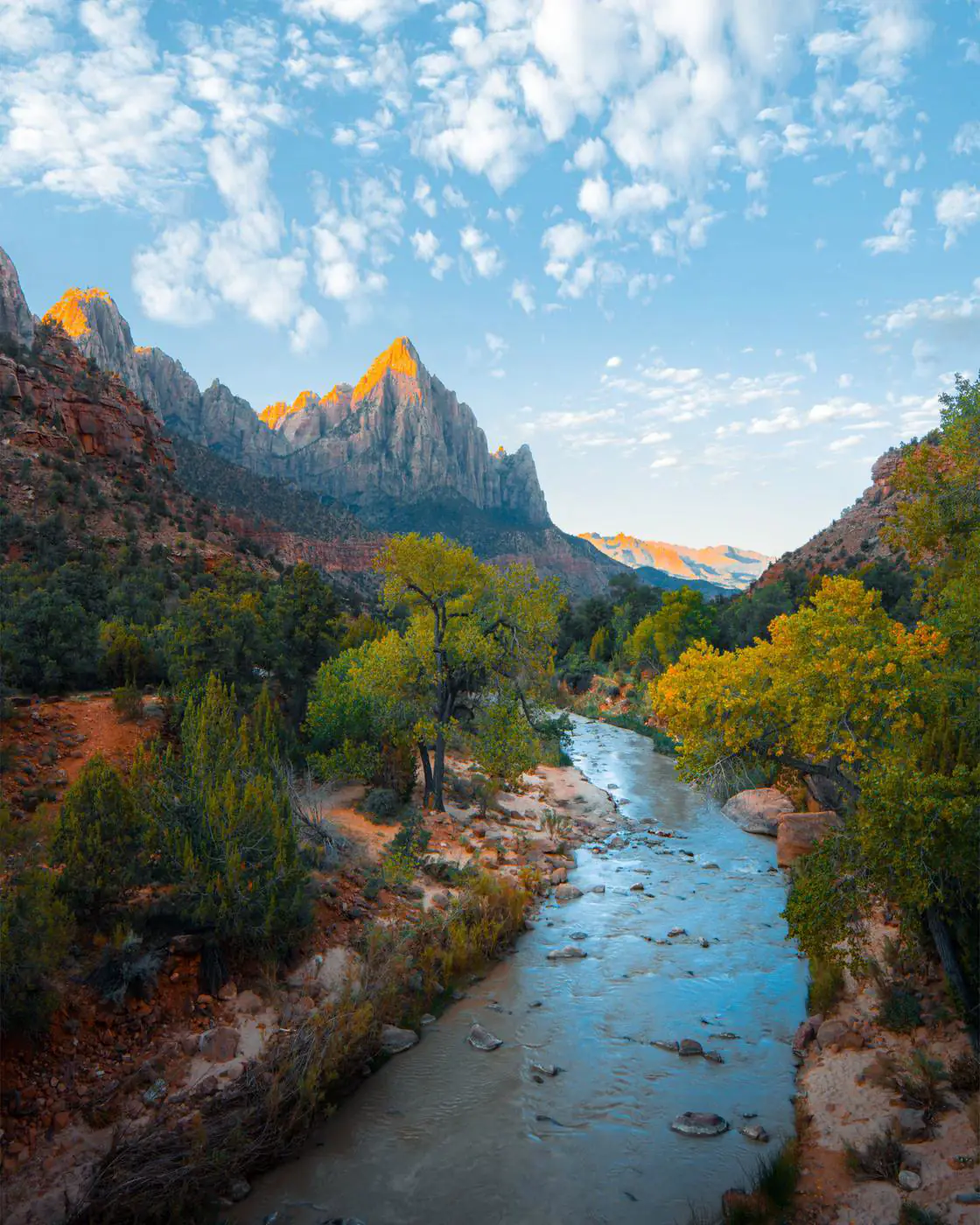

Displace Pro



Ripple Pro
Warp Pro
Swirl Pro
Kaleidoscope Pro
Lens Pro
Fluted glass Pro
Zoom Pro
Push Pro
Fold Pro
Wind Pro
Burn Pro
Pixelate Pro
Mosaic Pro
Blocks Pro
Glitch Pro
Signal Pro
Datamosh Pro
Chroma Pro
Free Pro
Arrows and dots
Eleven arrow styles and dots with size and color are free; try the styles and colors on the slider below. Pro adds arrow positions and arrows that follow the pointer, and dots as a pill, lines with progress, numbers, a progress bar or a few at a time, in eight positions.
Settings arrows: Style 1 arrow position: sides arrow size: 44 · 32



Dots Free



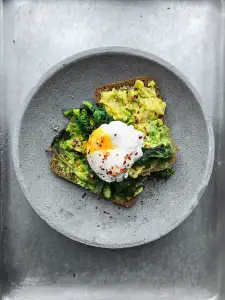
Size and color per slider.
Pill Pro
The active dot stretches and slides along.
Lines with progress Pro



The active line fills up over the time per slide.
A few at a time Pro


For many slides: the dots scroll along.
Numbers Pro
Slide 2 of 5, as “2 / 5”.
Progress bar Pro
A bar that grows with each slide.
Dots on the right Pro

Eight positions: sides, top, bottom and corners. Here the arrows sit at the bottom left.
Arrows follow the pointer Pro
With a mouse: move over the slider, click to go back or on.
Pro
Parallax slider on scroll
The backgrounds move slower than the page while you scroll. Scroll past this slider to see it, and try another direction or speed. With “reduce motion” turned on, the images stay still.
Settings parallax: up, 1.3 content: same on all slides align: full
Free
Shape dividers
A shape at the top and at the bottom, in the page’s background color, lets the slider flow into the sections around it. The bottom one is flipped where needed, so both edges run the same way. Try three of the fifteen shapes with the menu. Shape, color and flip are free; Pro adds the height and inverted shapes.
Settings divider top: wave divider bottom: wave, flipped color: page background align: full

Free · GPL v2 or later · No account
Build your first slider.
Gutenslider is free. Install it from the plugin directory; Pro adds more effects when you need them.